Online selling runs on photographs: the listing image is the shop window, the salesperson, and the trust signal in one frame. the Whisk AI generator app offers sellers a particular superpower — place your actual product, supplied as a reference, into scenes you could never afford to stage — and this guide teaches the workflow with the honesty rules that keep it an asset rather than a liability.
You will learn to photograph the product reference properly, build lifestyle scenes around it, keep colours and proportions truthful, and produce the set of images a complete listing actually needs.
The golden rule arrives early and governs everything: the product in the picture must be the product in the parcel.
Photograph the Reference Like Evidence
Your reference photo decides the ceiling. Shoot the product on a plain background in soft, even light, square-on, filling the frame, with nothing else competing for attention. The app will extract the subject from this image, and every flaw in the extraction was visible in the reference first.
Take several angles while you are set up: front, three-quarter, and the detail buyers ask about. A small library of clean references serves every listing you will ever make for this product.
Build Scenes That Sell the Use
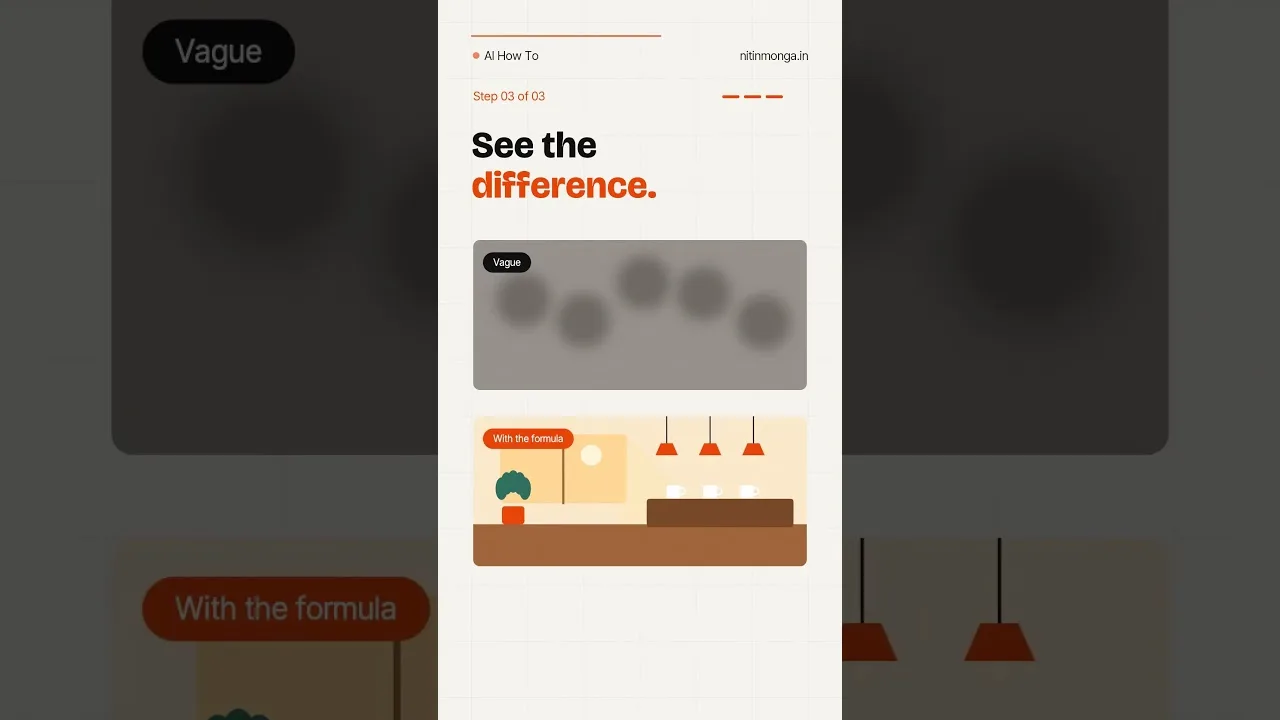
Scene images sell the life the product joins: the mug on a morning desk, the bag in a café, the lamp in a room at dusk. Describe the scene in the prompt or supply it as a reference, and let the product sit naturally inside it with matched light.
Generate the hero shot, two lifestyle scenes, and one scale shot — the product beside a familiar object — as your standard set. That quartet answers the questions buyers actually ask: what is it, where does it live, how big is it really. The scene-swap method is detailed in refining and remixing images in Whisk AI, and listings are its most commercial application.
Keep Colour and Proportion Honest
AI scenes flatter. Check every generated listing image against the physical product: colour under neutral light, proportions against the scale reference, details like logos, stitching, and finishes. Where the generation has improved the product beyond reality, regenerate rather than publish.
Buyers forgive modest photography instantly and fabricated photography never. A return, a dispute, and a review mentioning the word 'different' cost more than a photo shoot ever saved.
Backgrounds: Clean Beats Clever
Marketplaces reward clean, bright, uncluttered hero images because search results are judged at thumbnail size. Generate the main image on a simple light background with the product large and centred, and save the atmospheric scenes for the gallery positions behind it.
Consistency across your shop matters as much as any single image: same background treatment, same framing, same light across all products. The shop grid then reads as one business rather than several auctions, and trust follows tidiness. Ratio and framing follow the destination rules in Whisk AI aspect ratios and image sizes, with listings' preferred shapes observed first.
Variants and Seasons Without Reshoots
Here the tool pays for itself: colour variants staged identically, seasonal scenes around an unchanged product, a holiday banner from last month's hero shot. Work that once required a studio afternoon becomes an hour of directed generation.
Keep the physical truth-check per variant, not per session. A colourway the generator invents is a product you do not sell, and listing it by accident is a special kind of trouble that begins with a cheerful order notification.
What Never to Generate
Never generate the product itself from words alone for a listing; a plausible invention is not your stock. Never add features, accessories, or bundle items the parcel will not contain. Never use generated people wearing or using the product in ways that imply real testimonials.
These are not merely ethics; they are platform policy on most marketplaces and consumer law in many places. The tool is powerful inside the lines, and the lines are exactly where honest sellers were already standing.
A Listing Workflow, Start to Finish
Assemble the routine: photograph references once, generate the standard quartet per product, truth-check each against the shelf item, export at listing size, file with the prompt that made it. An hour per product at first, twenty minutes once the routine is warm.
Your prompt and style files become the shop's visual department. Guard them, version them, and let every new product inherit the look the last one established.
Whisk gives a one-person shop the visual range of a studio, provided the seller keeps one promise: the picture tells the truth about the parcel. Keep it, and the tool is pure leverage.
Start with your best-selling product and its standard quartet. The listing that improves first should be the one already earning.
Review your oldest listings with your newest eyes once a season. The gap between what you accepted then and what you would accept now is your progress made visible, and refreshing the two or three worst performers is the highest-return photography work a seller can do.
Share your workflow with one fellow seller when it matures. Marketplaces are not improved by everyone guarding the same five discoveries, and the sellers who teach tend to be the ones still learning — which is to say, still improving the photographs everyone else will be measured against.